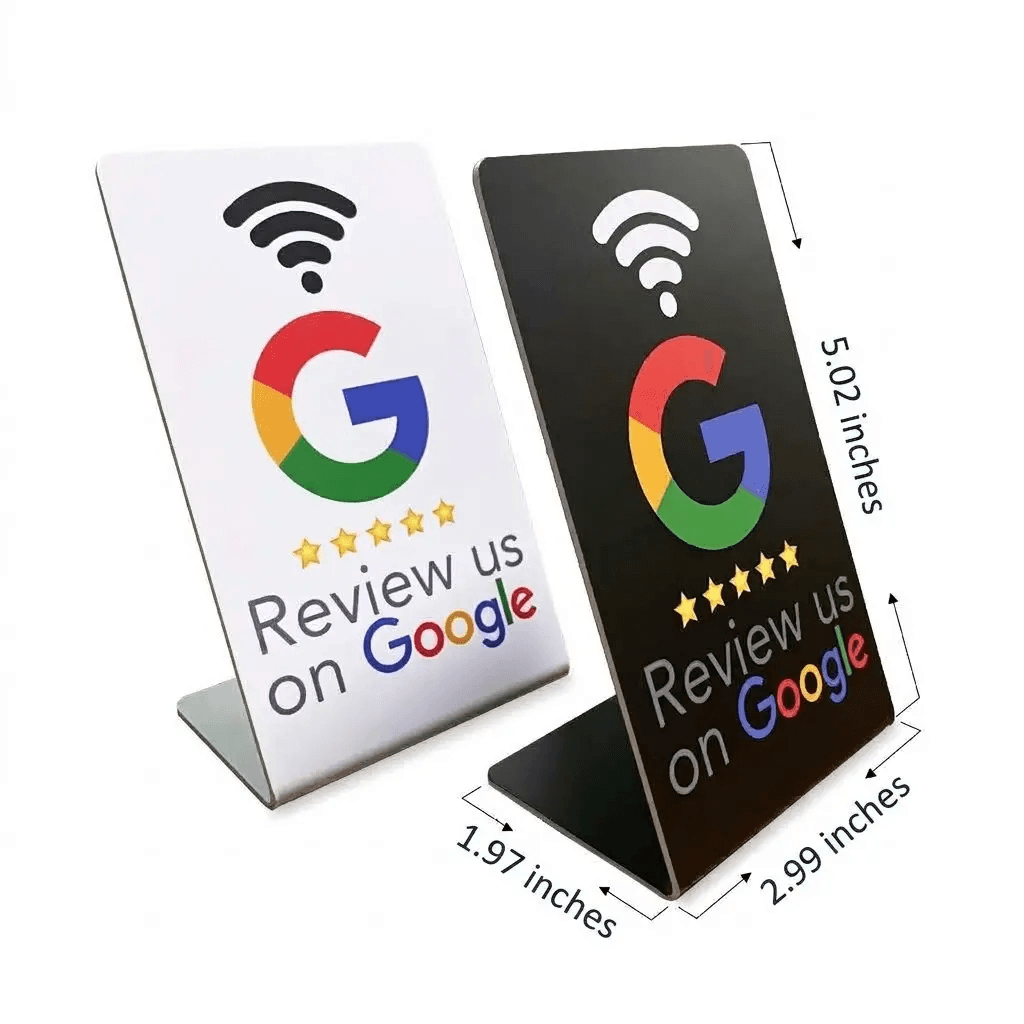
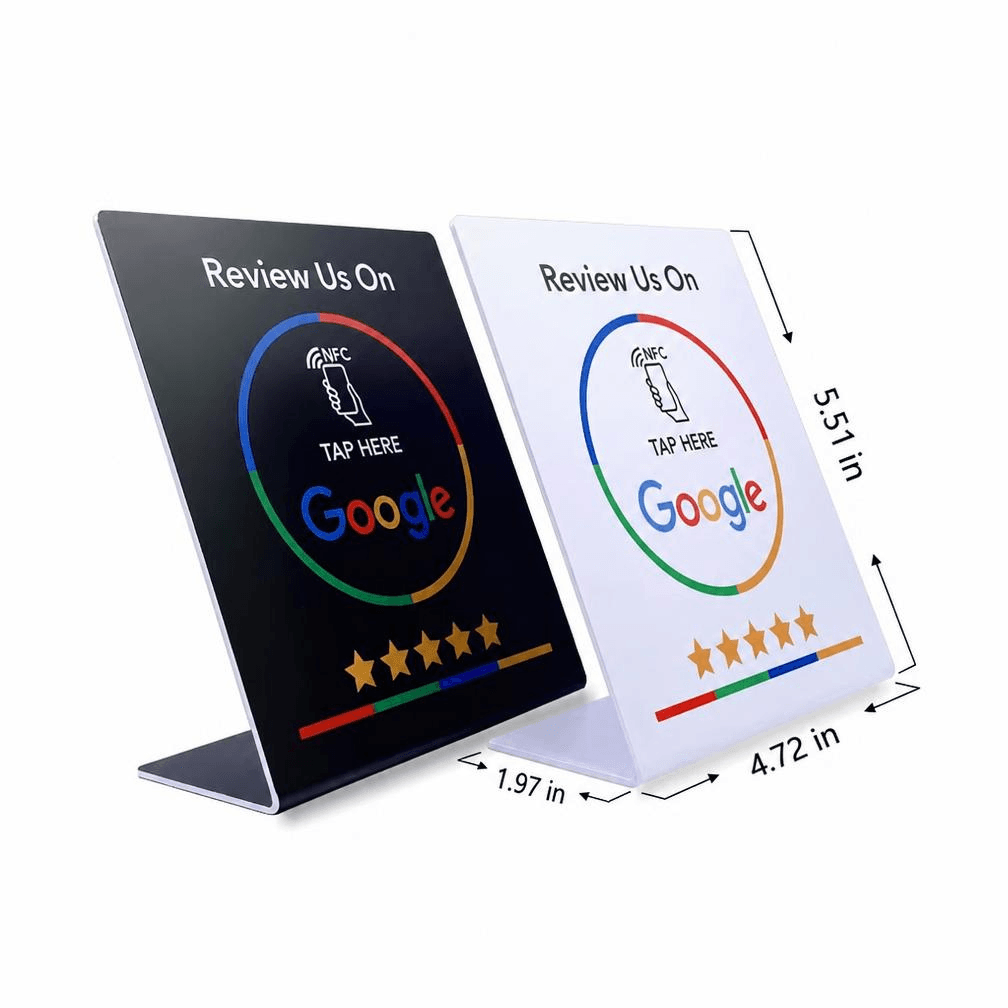
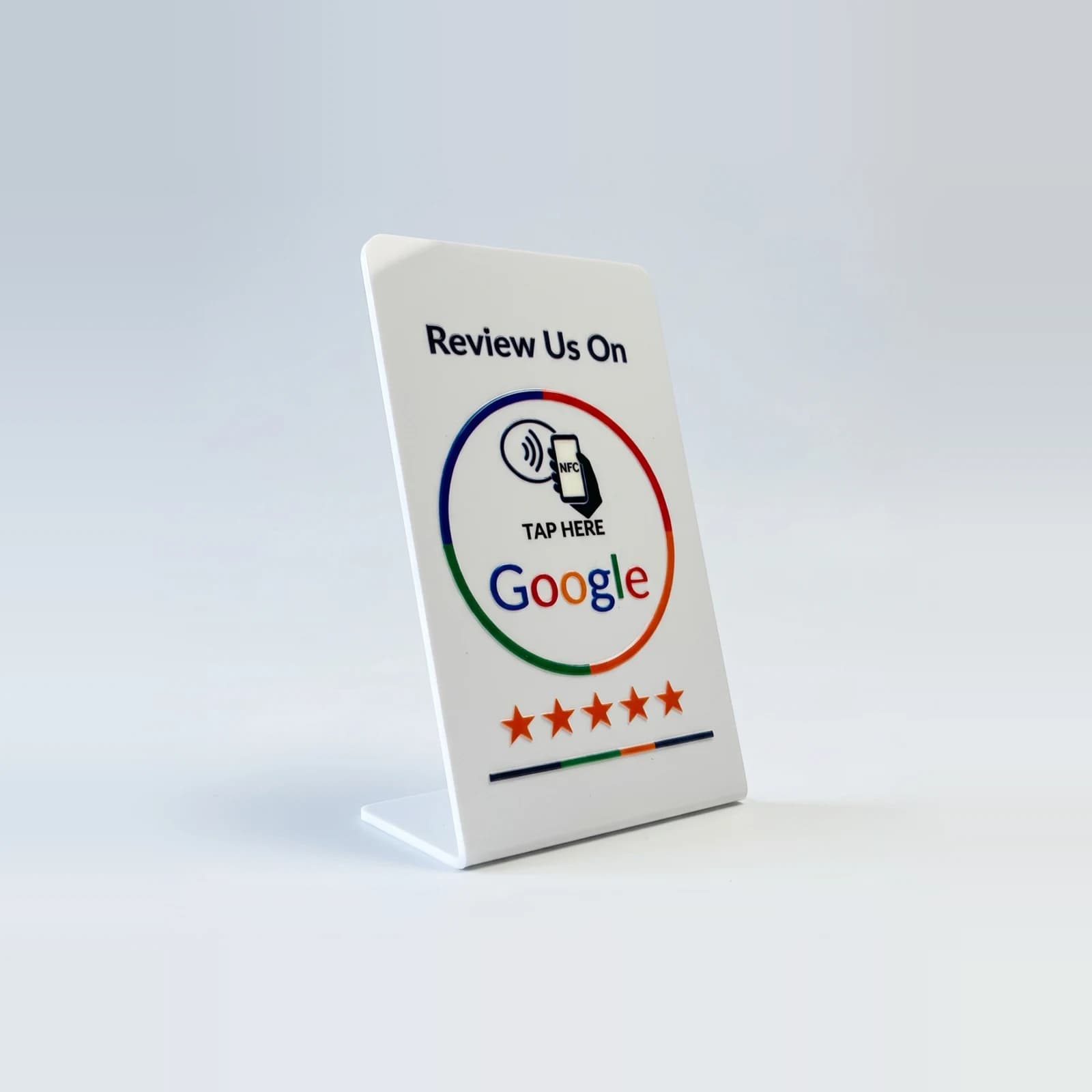
NFC review sign not working? Work through this list
7 September 2026 · 4 min read
Nearly every "it does not work" turns out to be one of five things, and four of them take under a minute to rule out.
Nothing happens when a phone touches it
Work down this list in order:
- Hold the phone still for two seconds — a swipe past the tag is too quick to read
- Touch the top third of an iPhone to the sign; the antenna is near the camera, not the middle
- On Android, check NFC is on in Settings → Connected devices
- Take the phone out of a thick case, especially one with a metal plate or card holder
- Move the sign off a metal counter, which detunes the antenna — the felt base does this for you
It opens the wrong page
That means the link points at another listing, usually a duplicate profile for the same business. Check which listing opens, then merge or remove the duplicate in your Business Profile. Send us the right link and we will re-encode the chip.
It worked, and now it does not
Chips do not wear out from reading, but they can be physically damaged — a bent card or a cracked stand can break the antenna loop. Check the QR code still works: if the QR opens the page and the tap does not, the chip is damaged and needs replacing.
Questions, answered
- Do I need to charge it?
- No. The tag has no battery; the phone powers it for the fraction of a second it takes to read.
- Can I rewrite the tag myself?
- Ours are locked with a password so nobody can overwrite them in your shop. Tell us the new link and we will re-encode or replace it.