How to ask for a Google review at checkout
7 October 2026 · 4 min read
There is a pause at every register: the card is processing, the receipt is printing, the bag is being packed. The customer is standing still with a phone in their hand. That pause is the best moment you will get to ask for a review, and most shops spend it in silence.
Why the register beats every other moment
Earlier in the visit the customer has not finished being served, so a review request feels premature. After they leave, you are competing with everything else on their phone. At the register the service is done, the goodwill is fresh and the phone is already unlocked for payment.
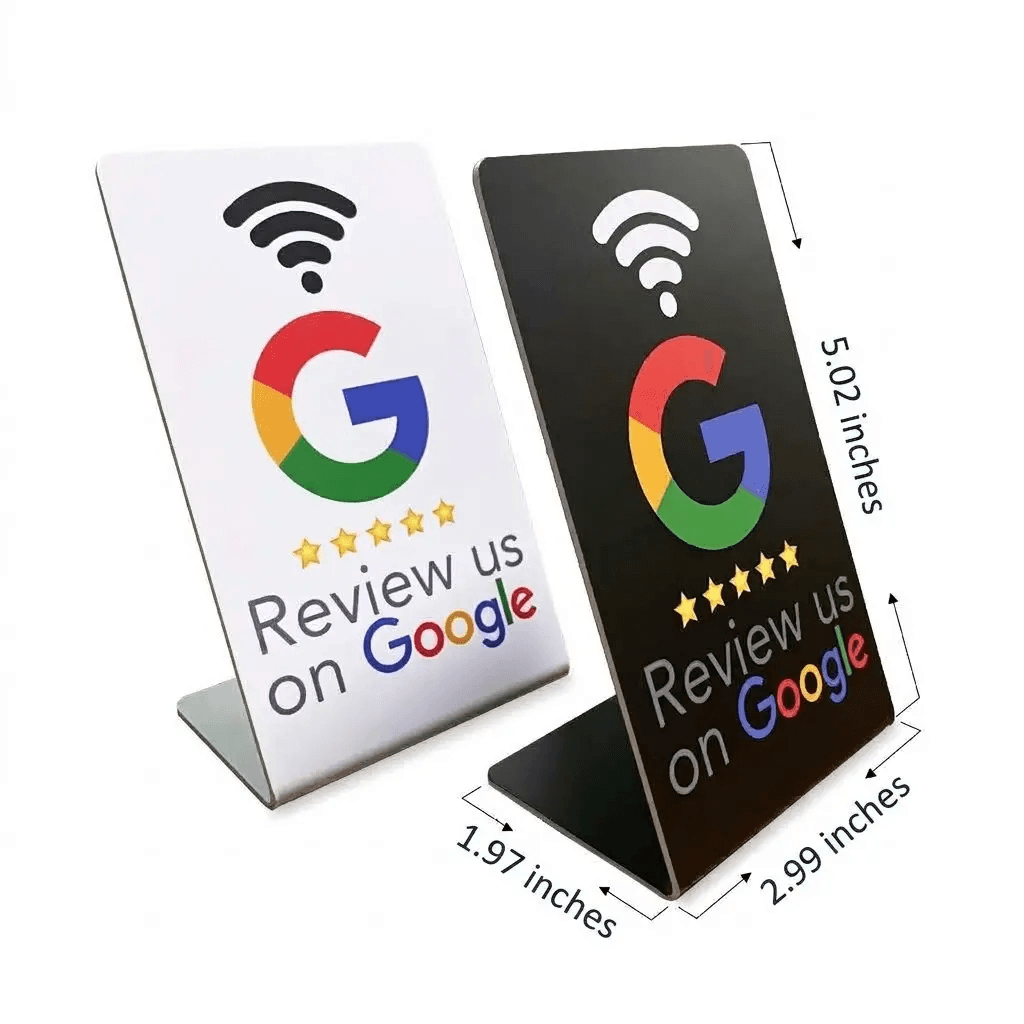
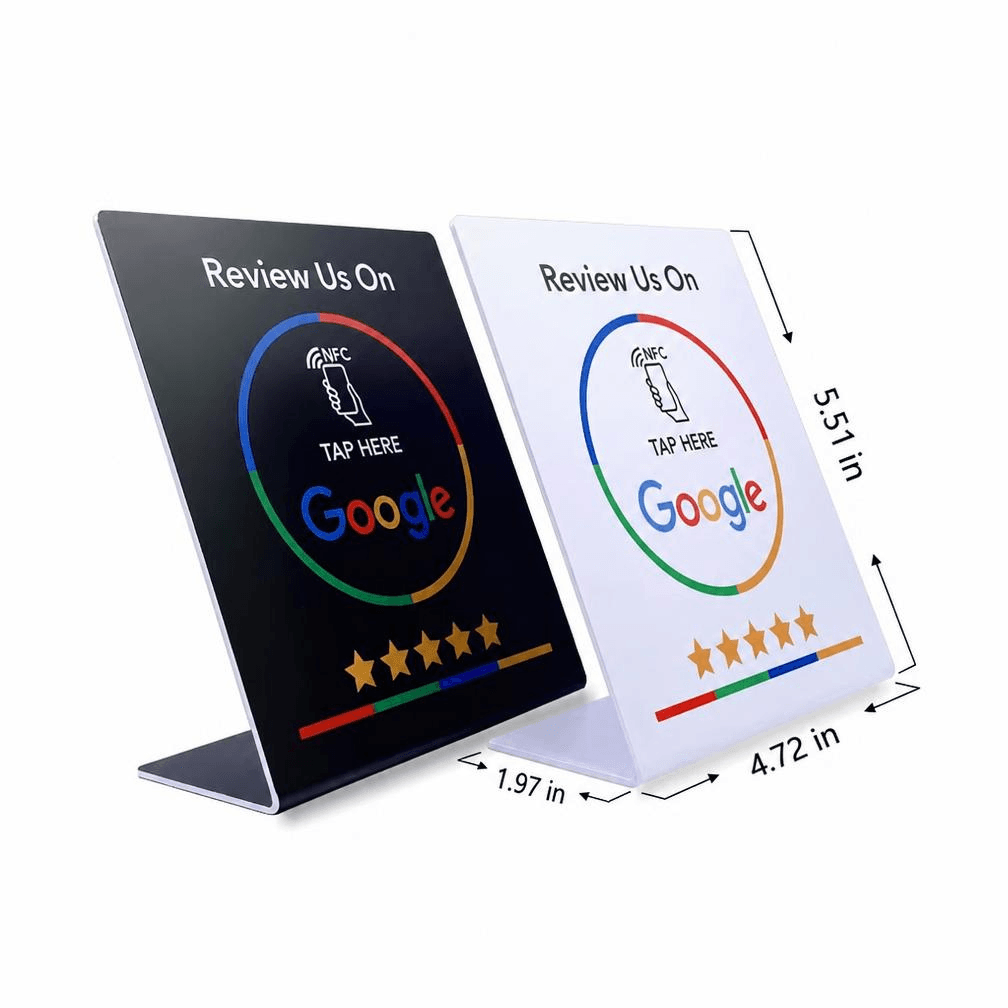
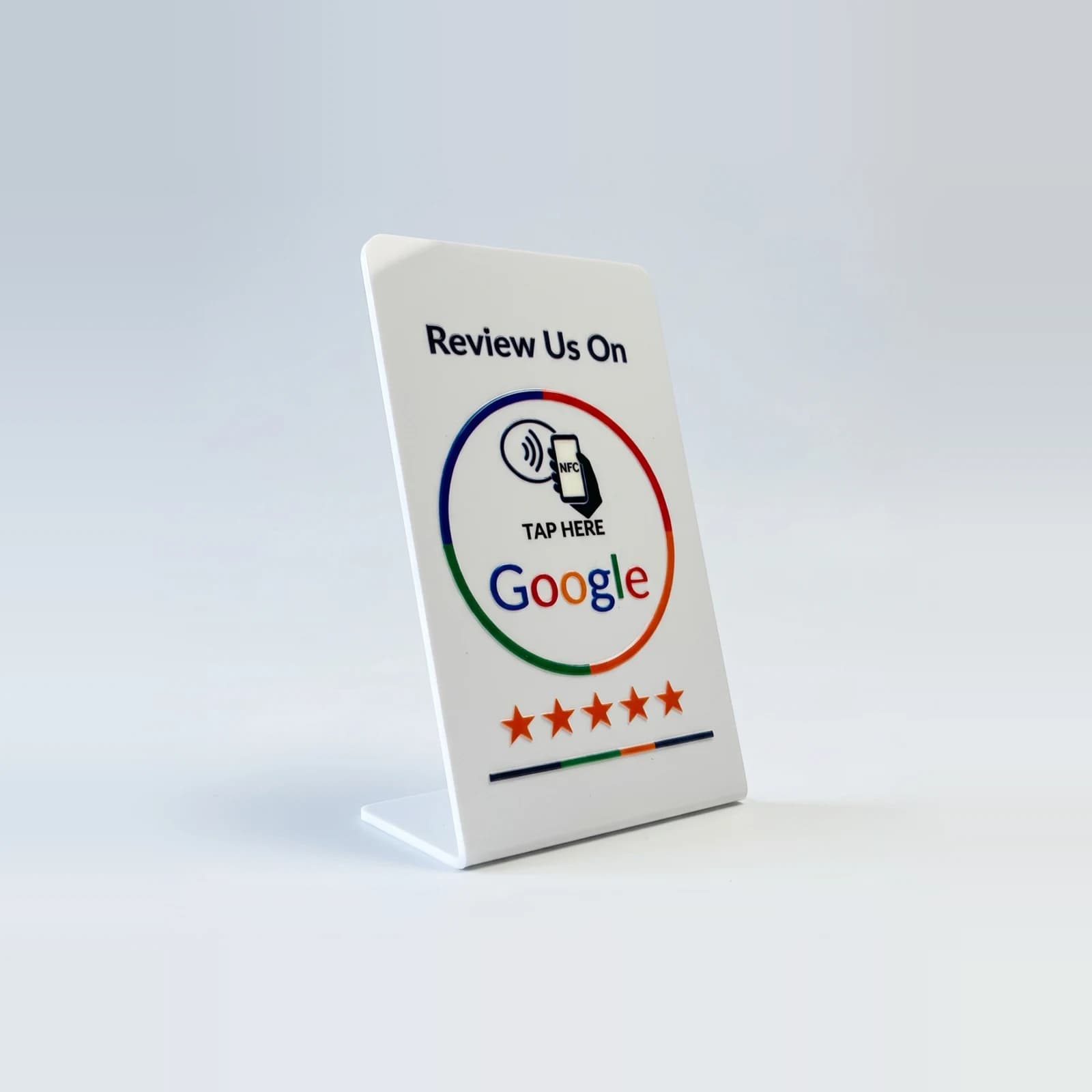
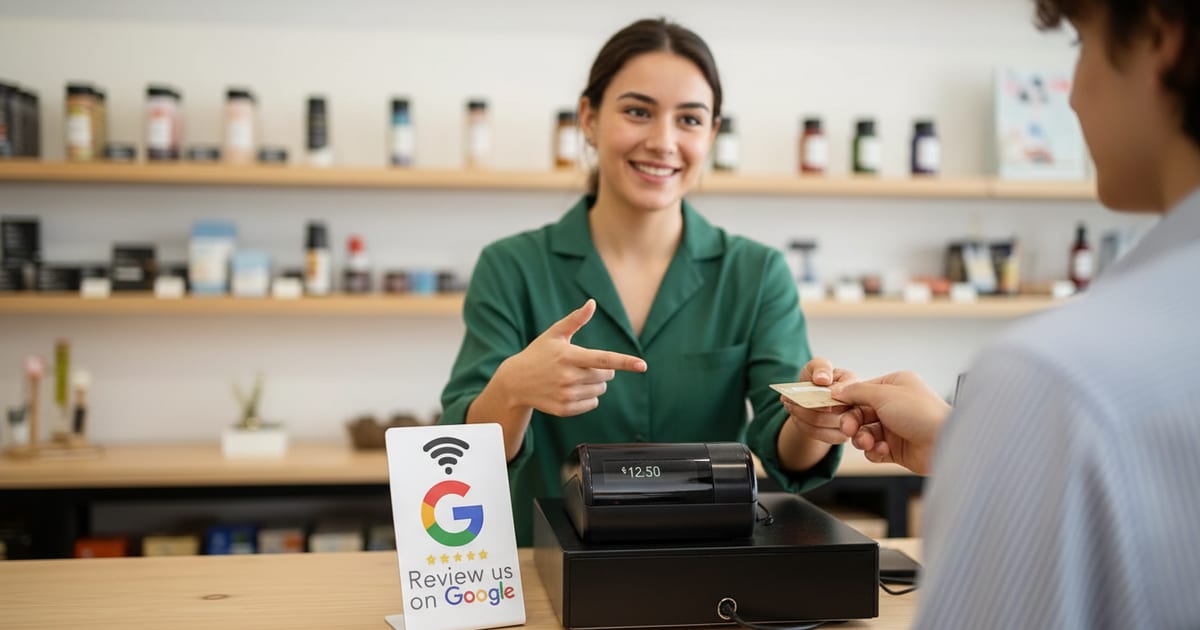
A sign next to the cash register turns that pause into a single gesture. The customer does not have to remember your name, search for it, or find the right listing — they tap and the review form opens.
What to actually say
One sentence, said while you hand back the card or the change. Point at the sign as you say it, so the words and the action arrive together.
- "If you have a second, tap your phone here — it goes straight to our Google page."
- "We're a small shop, so a quick review really helps. Just tap here."
- "Glad that worked out. If you want to tell people about it, this opens our reviews."
What to leave out
Do not ask for five stars, and do not ask only the customers who seemed happy. Google treats both as review manipulation, and customers can tell when they are being steered.
Do not ask twice. If they smile and leave, that is an answer. The sign stays on the counter, and some will tap it on their way out anyway.
Questions, answered
- Should every cashier ask, or only the manager?
- Whoever takes the payment. The ask works because it happens at the register, not because of who says it.
- What if the line is long?
- Skip the sentence and just turn the sign toward the customer. The tap takes a few seconds and they can do it while you serve the next person.