How to tell if your review sign is working
5 October 2026 · 3 min read
A review sign does not come with a dashboard, and Google does not label which reviews arrived from a tap. You can still measure it well enough to know whether it is earning its spot by the register.
Take a before count
On the day the sign goes on the counter, write down your total review count. Then look back at your reviews and count how many arrived in the four weeks before. That is your baseline.
Four weeks later, count again. Seasonal swings aside, the difference is the sign, plus whatever your staff started saying when it arrived.
Check that it still opens the right page
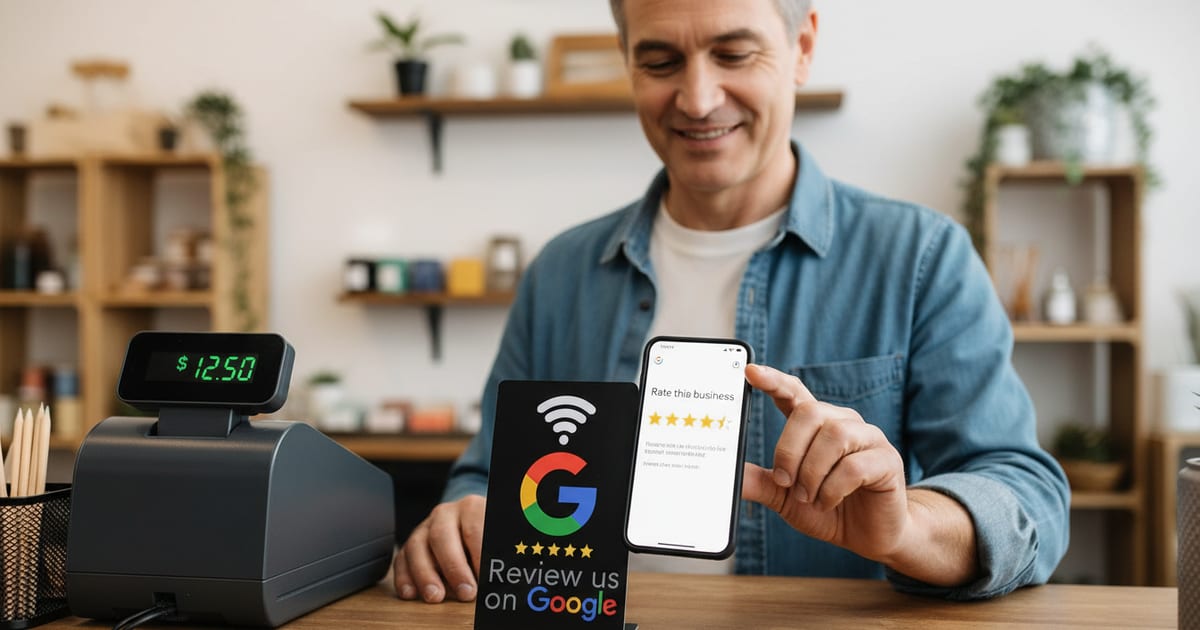
Once a week, tap it with your own phone. It should open your review form directly. A sign that has been moved onto a metal surface, knocked behind the register or covered by flyers will quietly stop being used.
If the count did not move
- Is it on the customer's side of the register, facing them?
- Can someone in line read it from where they stand?
- Is anyone pointing at it during the pause at payment?
- Did it end up under a tip jar, a card reader or a pile of menus?
Questions, answered
- How many extra reviews should I expect?
- It depends on footfall and on whether staff point at it. A sign that is pointed at reliably does far better than one left to speak for itself.
- My sign stopped opening the review page. What now?
- Our troubleshooting guide covers it step by step. Most often it is a phone setting or a metal surface, not the chip.